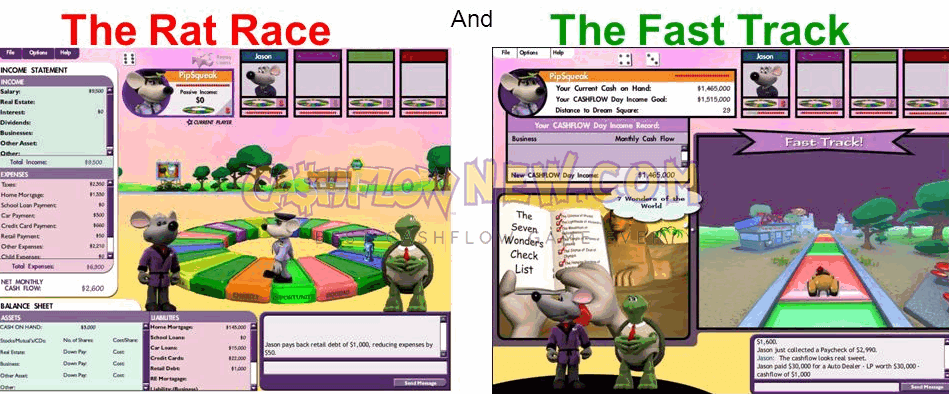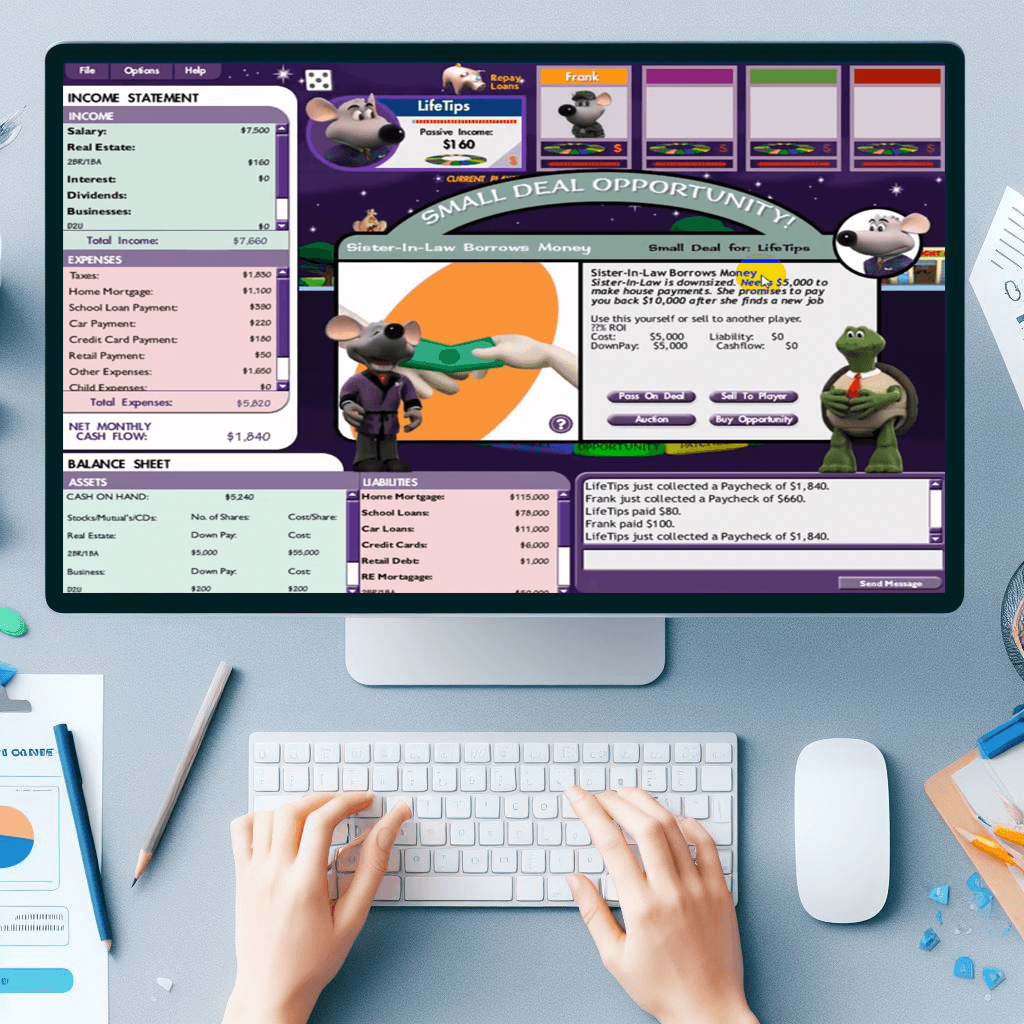
The CASHFLOW e-game lets you play Robert Kiyosaki’s money game on your computer, with the bank and the auditor handled automatically. Here is what you get, what you need and how to start.
What’s included
- CASHFLOW 101 e-game (beginner)
- CASHFLOW 202 e-game (advanced)
- CASHFLOW for Kids, with versions for ages 5–7, 8–10 and 11–15
- A step-by-step installation tutorial
- 25 video lessons covering Doodads, the Rat Race, Fast Track, Baby, Downsized, stocks, real estate, Paycheck and Opportunity
System requirements
The game is light by modern standards. It was designed for an 800×600 display and needs very little memory or disk space, so almost any Windows PC or laptop can run it. Follow the included tutorial for the recommended settings on current Windows versions.
How to install
- Complete your order. The download and instructions arrive by email.
- Download the files to your PC.
- Follow the installation tutorial step by step.
- Launch CASHFLOW and choose single-player to start.
Quick start for your first game
The e-game handles setup for you, but it helps to know the board game’s 12-step quick start, because the same logic applies:
- Select a banker.
- Place the Opportunity, Market and Doodad cards.
- Give each player a financial statement.
- Deal one profession card to each player.
- Copy the profession onto the financial statement.
- Meet your auditor (the player on your right).
- The banker pays each player their cash flow plus savings.
- Choose your rat, cheese and tokens.
- Choose your Dream on the Fast Track.
- Place your rat on “Start Here.”
- Roll to see who goes first.
- Start playing CASHFLOW.
Remember these four rules
- To leave the Rat Race, passive income must be greater than total expenses.
- Build passive income by buying assets with positive cash flow.
- Read every card carefully; each one can change your financial position.
- Avoid bankruptcy and adjust your strategy as the market changes.
FAQ
Does the CASHFLOW e-game work on Windows 11?
The package is made for Windows PCs and laptops and includes a detailed installation tutorial for current Windows versions. Contact support if you need help with setup.
How is the game delivered?
It is a digital product. You receive the download and instructions by email after payment.
Can I play on a Mac?
The 101 and 202 games are for Windows; see our Mac guide for options.
Next: learn the complete CASHFLOW 101 & 202 rules.