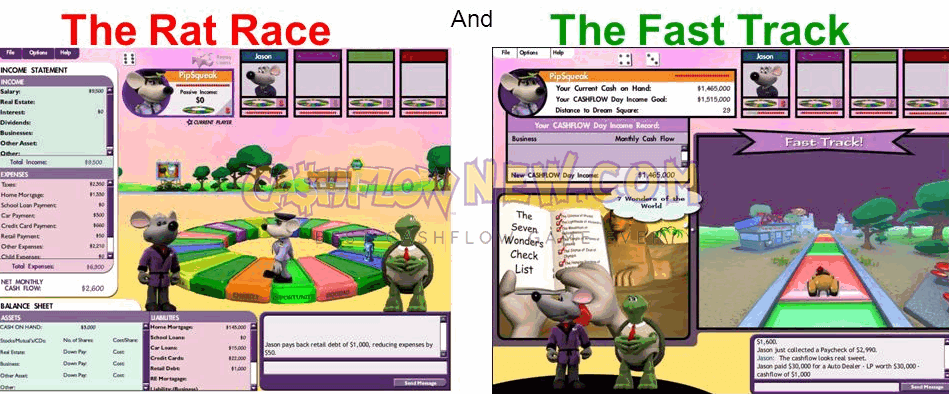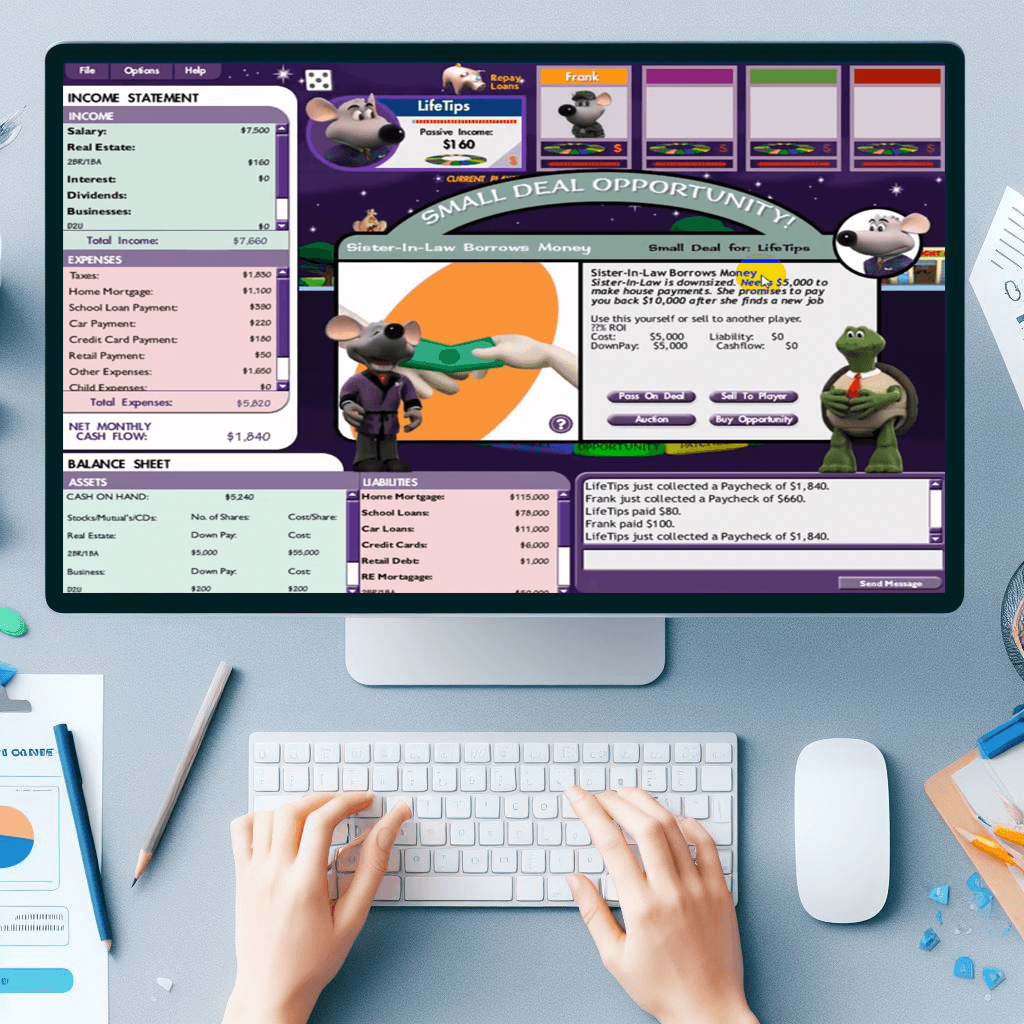

What is the CASHFLOW game?
CASHFLOW is a financial education game created by Robert Kiyosaki, author of Rich Dad Poor Dad. You start with a job, a salary and monthly bills. You then buy assets such as rental property, stocks and businesses. When the monthly income from your assets is greater than your expenses, you escape the “Rat Race” and move to the “Fast Track” to chase your Dream.
Why play the e-game instead of the board game?
- Play any time, alone. Single-player mode lets you play against computer opponents.
- No bookkeeping errors. The built-in auditor checks every entry on your financial statement.
- Faster games. A solo game takes roughly 45 to 90 minutes instead of 2 to 3 hours.
- Both versions. Switch between CASHFLOW 101 and 202 from the start menu.
What you get in the CashflowNew PC edition
- The CASHFLOW 101 and CASHFLOW 202 e-games
- CASHFLOW for Kids, with versions for ages 5–7, 8–10 and 11–15
- A detailed installation tutorial for Windows
- 25 video lessons on every board space and core strategy
How to install and start playing
- Order the PC edition. You receive the download and instructions by email.
- Follow the installation tutorial. It walks through each step on a Windows PC or laptop.
- Start a single-player CASHFLOW 101 game. Choose your Dream and a name; your profession is dealt automatically.
- Watch the first video lessons. Learn the Paycheck, Opportunity, Market and Doodad spaces before your second game.
- Play three games of 101 before trying 202. That is usually enough to escape the Rat Race consistently.
Tips to learn faster
- Before buying any deal, ask how much it adds to your monthly cash flow.
- Pay Doodads in cash where you can; credit card payments raise your expenses.
- Use Charity early: two dice for three turns means more Paychecks and deals.
- After each game, write down one decision you would change.
FAQ
Is the CASHFLOW e-game online or offline?
The PC e-game is installed on your computer and plays offline in single-player mode against computer opponents.
Does it work on Mac?
The 101 and 202 e-games are built for Windows. See our Mac guide for ways to run Windows games on a Mac.
Which version should a beginner play?
Start with CASHFLOW 101. CASHFLOW 202 is much harder because passive income must reach twice your expenses to escape.
Play CASHFLOW 101 & 202 on your PC
Get the Windows e-game edition with a step-by-step installation tutorial and video lessons, so you can practice these strategies tonight.